
Official manual · chapter 3
VRROOM OLED Menu
Original text and images from the official 8K VRROOM User Manual (Rev 1.00), pages 15–16. Click or tap the menu map to enlarge it.
The OLED menu map
Press MENU once to enter VRROOM OLED Menu. Once you are in VRROOM OLED Menu press the same menu to TOGGLE choice. Press the UP button to navigate upward. Press DOWN button to navigate downward. To EXIT the VRROOM OLED Menu. Press EXIT button or let menu idle for a while and it will EXIT automatically.
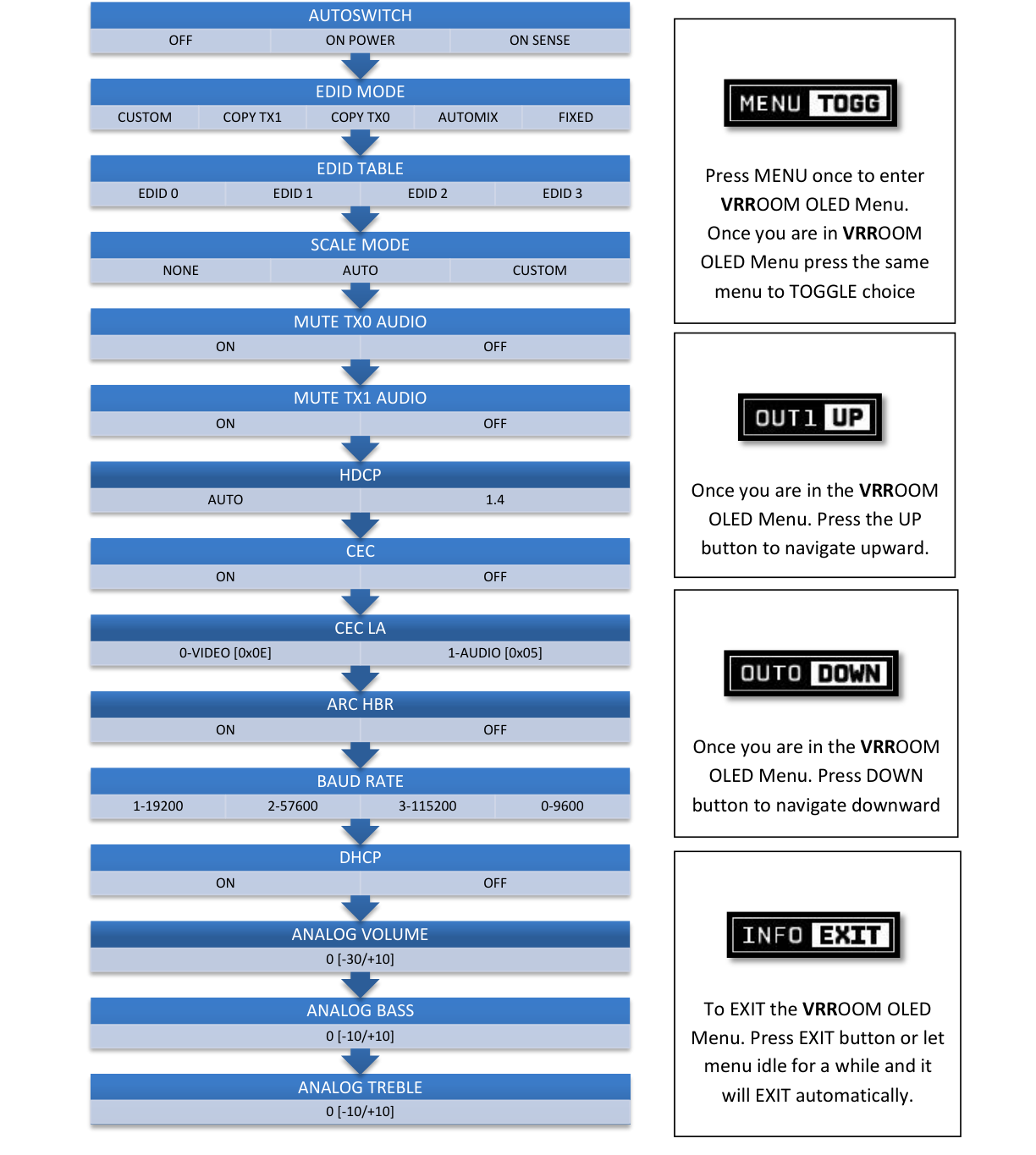
All menu items and values
- [Autoswitch] : OFF/ON POWER/ON SENSE
- [EDID Mode]: Custom / Copy TX1/Copy TX0/Automix/Fixed
- [EDID TABLE]: EDID 0/EDID 1/EDID 2/EDID 3
- [SCALE Mode]: None / Auto / Custom
- [Mute TX0 Audio ]: ON / OFF
- [Mute TX1 Audio]: ON / OFF
- [HDCP]: AUTO / 1.4
- [CEC]: ON / OFF
- [CEC LA]: 0-Video [0x0E] / 1-Audio [0x05]
- [ARC HBR]: ON/OFF
- [Baud Rate]: 1-19200 / 2-57600 / 3-115200 / 0-9600
- [DHCP] : ON/OFF
- [Analog Volume] : 0 [-30 / +10]
- [Analog Bass]: 0 [-10 / +10]
- [Analog Treble]: 0 [-10 / +10]